



4 minute read
Passwords guard everything online. They open bank accounts, email inboxes, and every app that holds personal info. People rely on them every day, yet many still go with easy ones like “123456.” The truth is simple: memory cannot keep up with hundreds of passwords anymore. It takes a smarter method to stay secure and make things easier.
Strong passwords work best when they stay private and hard to guess. Remembering them all by heart works for very few people. The rest need something that stores every password in one safe place and locks it behind a single strong key. That is where password managers prove their worth.
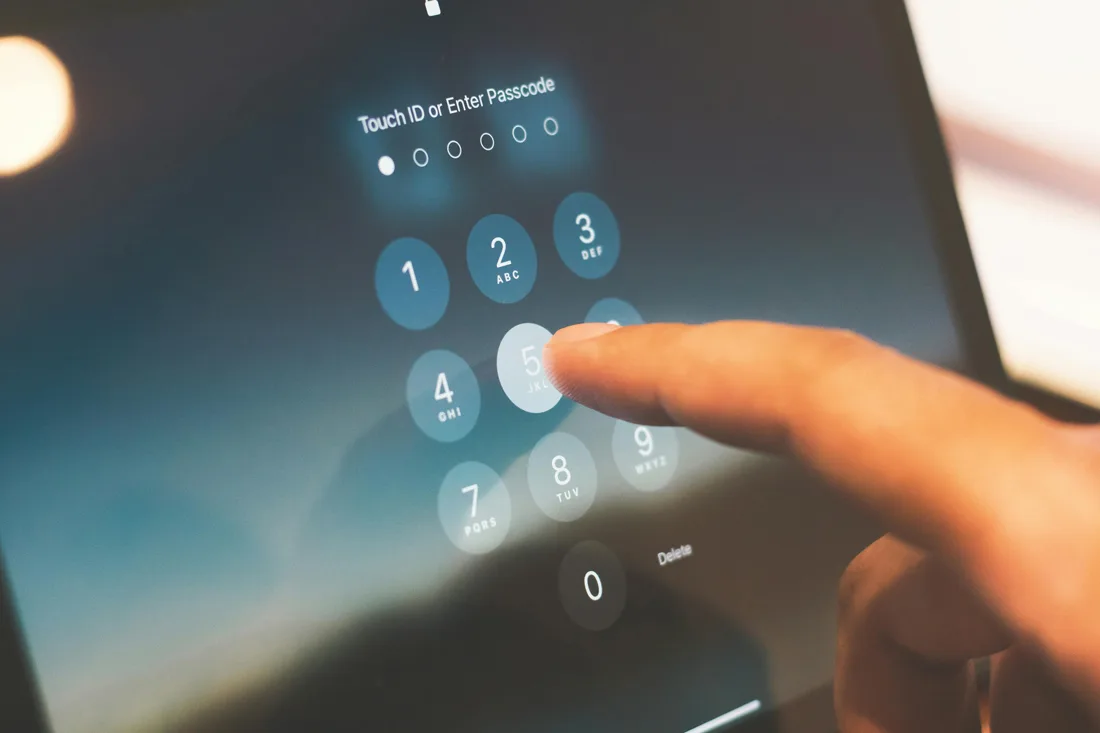
Paying attention to where passwords go matters most
Every site asks for personal data. Some hold addresses, others store card numbers. The highest attention belongs to those handling payments, including subscription services, e-commerce shops, and casino sites.
It helps to stick to platforms that get checked regularly. Experts often keep lists of verified casino sites that meet strong safety standards. The trusted options here offer secure payments, encrypted login forms, and safe data storage.
Apart from being secure and reliable, these places often greet first‑time users with generous bonuses. When a platform proves it can handle private info, it makes sense to store those logins somewhere secure.
This is exactly where a password manager fits in. With fewer places to trust and better ways to manage access, the whole system becomes easier to control.
A digital vault does the heavy lifting
A password manager works like a locked safe. It keeps every password hidden behind a single master key. That key belongs only to the user, and the tool never sends it anywhere. Most password managers encrypt passwords with methods like AES‑256 or XChaCha20, which banks also use. Some even add fingerprint or face scans before unlocking.
Instead of dozens of passwords, there is one to remember. The manager fills in logins automatically through a browser extension or app. Some store passwords offline, while others sync through the cloud so they appear on every device. Desktop apps exist for Windows, macOS, and Linux, and mobile ones for Android and iOS. Everything stays encrypted, and no one else can read it.
Managers also check password quality. Weak or repeated passwords get flagged instantly. Many include reports that show where two‑factor protection is available. Some can even generate new passwords and replace old ones automatically. That means stronger logins and fewer worries.
The range of choices is wide
Each user can pick the style that fits best. Those who prefer simplicity can use a cloud‑based manager. It syncs passwords automatically and updates across devices. Others who value control can keep their vault offline or self‑host it on a private server.
Tools like Enpass or KeePassXC make that possible. They rely on open‑source code, which anyone can inspect for security issues.
Free versions exist, often with limits such as twenty‑five stored passwords on mobile. Paid upgrades unlock full access and extra storage. The strongest ones support passkeys, which replace passwords with a single cryptographic key. Others offer email aliases that protect real addresses when signing up on new sites.
Better passwords create better protection
People often underestimate how many accounts they have. Each extra account adds another chance for weak protection. Password managers close those gaps. They make every login random, long, and unique. Since users never need to type or memorize them, mistakes vanish.
Top services even scan for data leaks. When a password appears in a breach, they send alerts instantly. Some managers warn about fake websites that copy real ones. Others offer dark web scans that reveal if any credentials were exposed. All these tools combine to create a strong shield that stays active without any extra effort.
The clear path forward
Remembering hundreds of passwords was never sustainable. A password manager gives a simpler and stronger method. It stores everything securely, syncs across devices, and keeps all data under personal control. Strong encryption, passkeys, and two‑factor tools make that safety even tighter.
Every password manager aims to solve the same challenge: to keep security high while making life easier. Once a single master key guards everything, the rest of the internet becomes less chaotic. The safer way to manage passwords already exists, and it works perfectly when used with care.