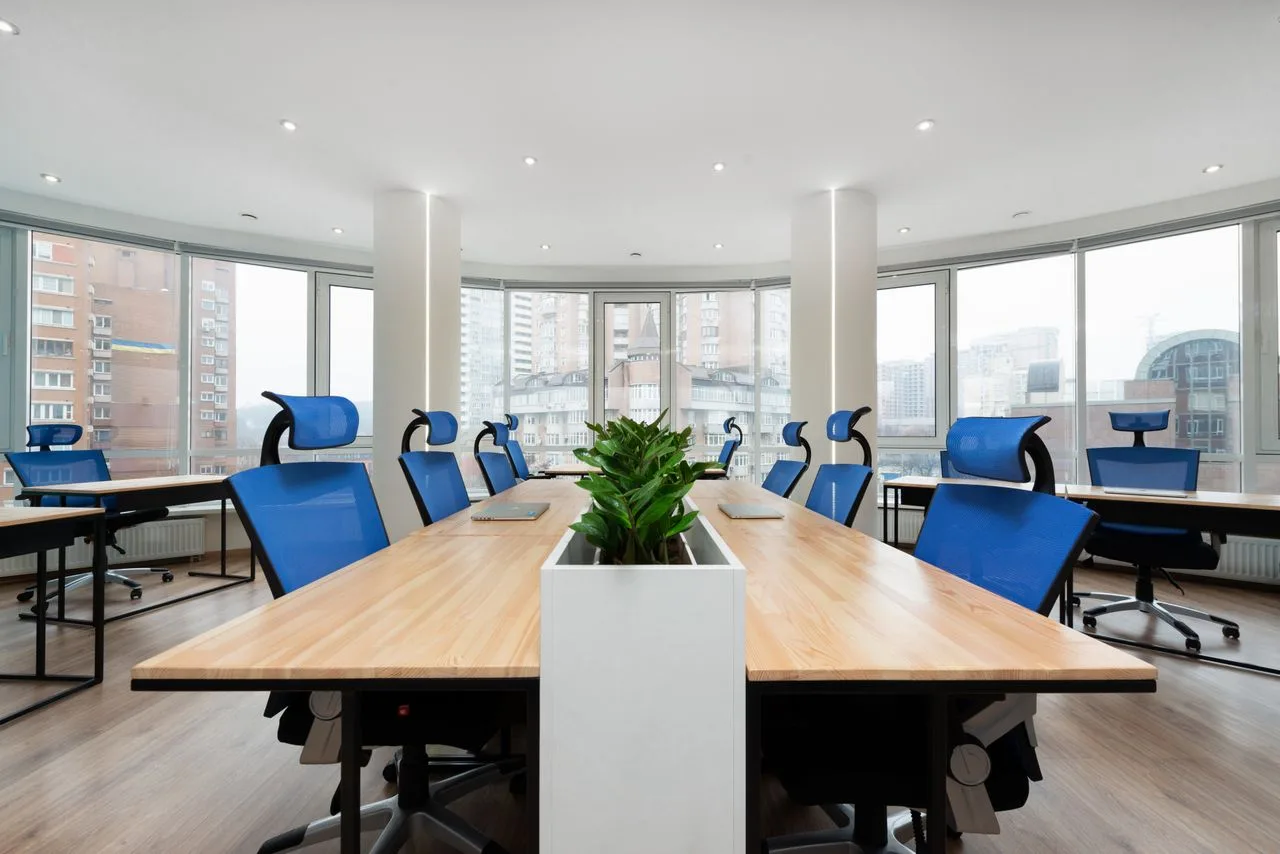
Office discomfort, from screen glare and noise to cramped layouts, quietly drains productivity and wears your team down. Building a workspace that actually supports how your people work takes more than guesswork.
Use this practical framework to evaluate your layout, choose the right furniture, and optimize your office environment for daily performance.
Start With How People Actually Work
A comfortable office starts with evidence, not assumptions. Spend a few days noting which tasks fill the schedule, such as focused writing, client calls, quick huddles, printing, project reviews, or admin work.
Track the moments that create friction:
- Desks too close
- Calls spilling into work areas
- Screens facing glare
- Walkways blocking movement
You can then use those observations to shape the layout. Put louder activity near collaboration spaces, keep focus desks away from traffic, and place shared tools where they will not interrupt nearby workers.
Give Teams Quiet Office Pods
Office pods give teams a practical middle ground between a fully open floor and permanent enclosed rooms. They work well for phone calls, video meetings, one-person focus sessions, and short tasks that need fewer interruptions.
Placement still matters. Put pods near busy work areas so people actually use them, but keep them away from kitchens, printers, and main walkways where noise and foot traffic can creep in.
The acid test for any pod is comfort after sitting inside for more than five minutes—the threshold where poor ventilation or stale air becomes obvious. To avoid buying a glamorous box that nobody uses, look to specialized providers like Uncaged Ergonomics that guide teams through choosing office pods by specifications like acoustic ratings, built-in airflow, structural footprint, and integrated lighting.
Get It Right With the Lighting
Bad lighting wears people down faster than many managers realize. Glare on a screen, shadowy corners, or harsh ceiling panels can make simple work feel more tiring than it needs to be.
A 2024 study on office lighting has linked illuminance and color temperature to comfort, mood, work performance, and room ratings. Aim for balanced lighting throughout the space, then add task lighting where employees need greater precision.
Natural light helps, but it needs to be controlled. Blinds, adjustable lamps, and dimmable fixtures let teams manage brightness as the day changes, rather than working under one fixed setting.
Make Room for Movement During the Day
Comfort is not only about sitting well. It is also about not sitting in one locked position for too long.
People need simple reasons to move. That might mean height-adjustable desks, printers placed away from desks, a small breakout space, or a culture where standing and stretching does not feel strange.
A few practical ideas include:
- Add standing spots for short calls
- Keep walkways clear and easy to use
- Encourage quick breaks between long screen sessions
Pick Furniture That Fits Real People
Office furniture should fit the team, not the other way around. A chair that feels supportive for one employee may leave another with unsupported feet, raised shoulders, or a strained lower back.
Adjustable pieces give the office more flexibility. Seat height, armrests, desk height, monitor position, and keyboard placement all affect how comfortably someone can work.
Before buying in bulk, test furniture with a mix of employees. Their feedback can catch problems a spec sheet might miss, especially regarding long-session comfort, ease of adjustment, and how the furniture feels during everyday tasks.
Create a Workplace That Keeps Improving
Comfort grows from attention, not guesswork. Watch how people use the space, invite honest feedback, and stay open to small changes when something is not working.
A better office can start with one practical fix rather than a full renovation. Adjust a workstation, move a noisy shared tool, or improve one quiet area, then build from there.