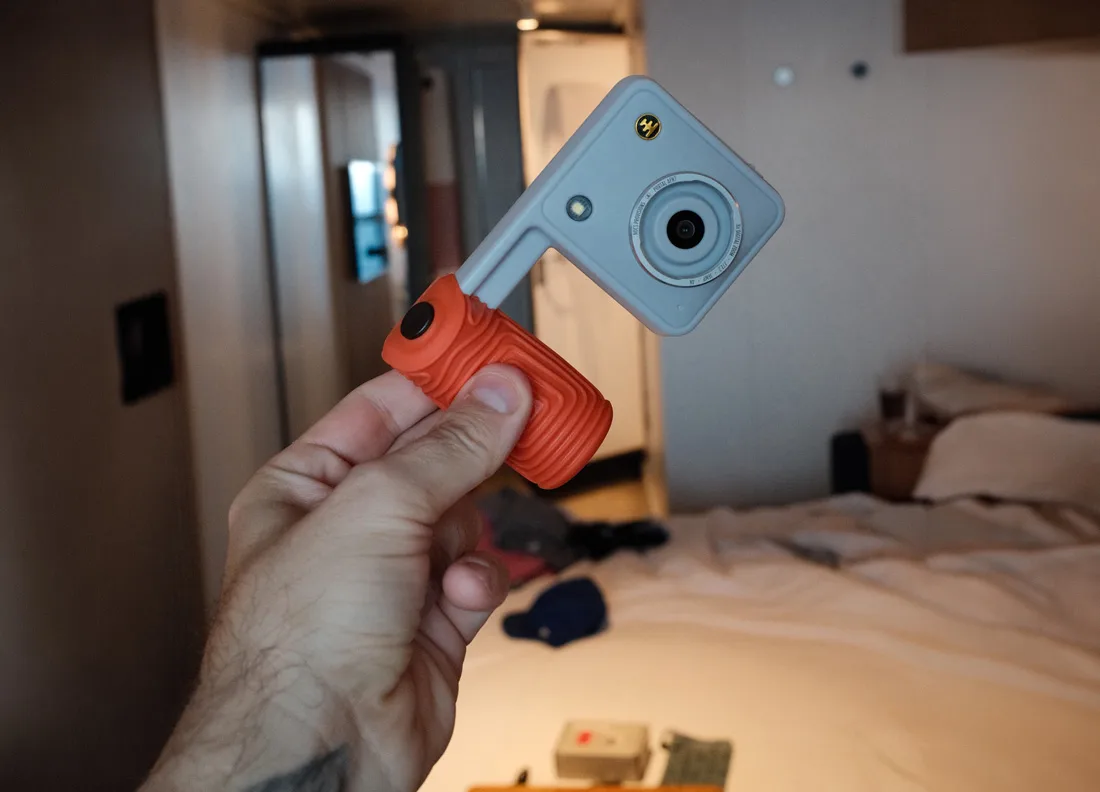
I was about two hours into my morning in Old San Juan before I noticed I hadn’t looked down at a camera once. I couldn’t have. The Nocs Provisions Portal AFN7 has no screen, so all you can do is raise it, frame the shot and keep walking. That turned out to be the best thing about it.
I had the Portal with me on a CruiseNews.com assignment reviewing Virgin Voyages’ Resilient Lady, and the San Juan port stop was its first real test. If you travel with a good camera and keep leaving it in the cabin because you don’t want to babysit it, this $179.95 screenless camera makes the case for carrying something cheaper and tougher. It won’t replace my Sony A7 IV or my Fujifilm X100VI. It’s built for the days I wasn’t going to bring either one.
What the Nocs Portal AFN7 Is
Nocs Provisions built its name on compact, rubber-armored binoculars and monoculars, and the Portal AFN7 is its first camera. It wears the same rubberized armor as the optics. Inside is a 16MP sensor behind a fixed-focus 28mm-equivalent lens, and it shoots 4K video. The whole thing weighs 140 grams and carries an IP56 weather rating.
Where a screen would normally sit, there’s a small digital viewfinder you hold up to your eye and a tiny status display for battery and settings. You can switch the aspect ratio, toggle a date stamp and choose from a handful of film-inspired color filters. The box also includes a NocDoc shroud that lines the camera up with Nocs binoculars so you can shoot through them. I didn’t bring binoculars on this trip, so I haven’t tried that part yet.
Shooting Old San Juan Without a Screen

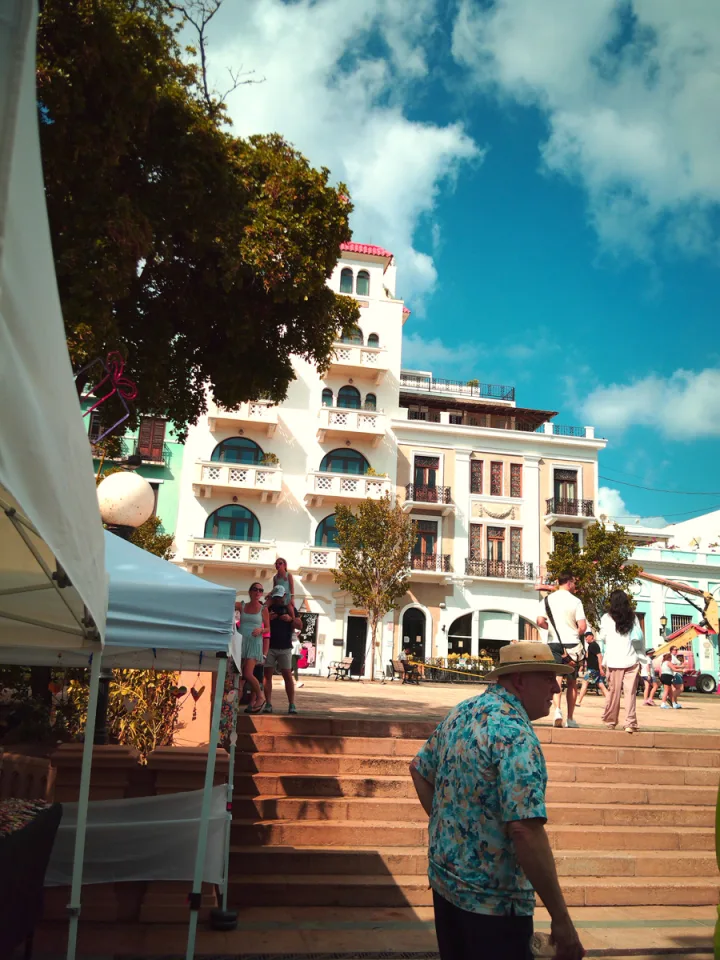
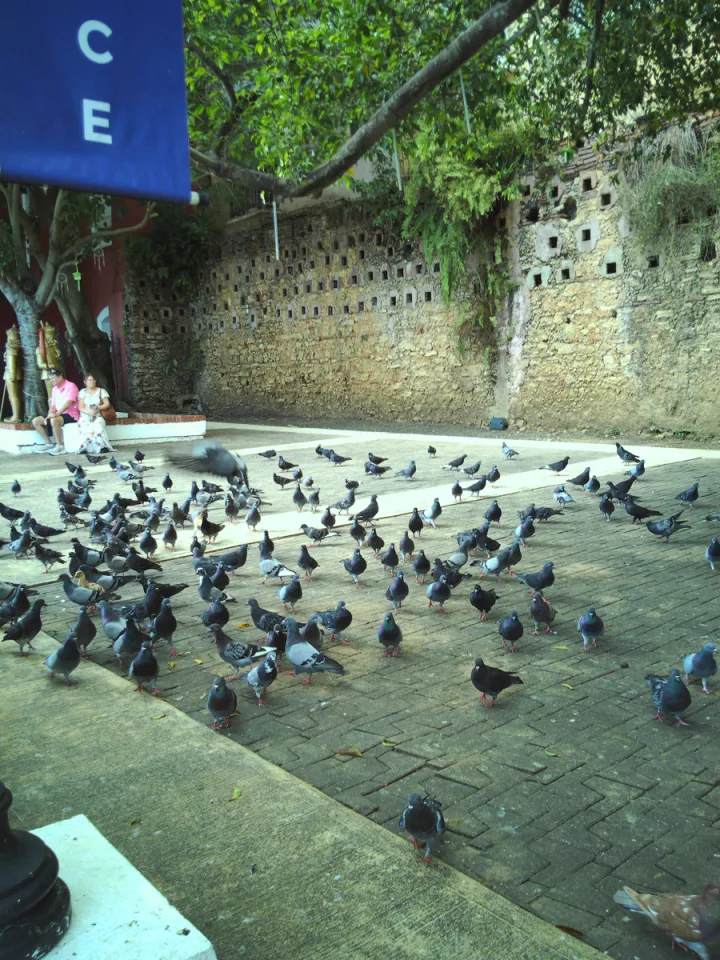
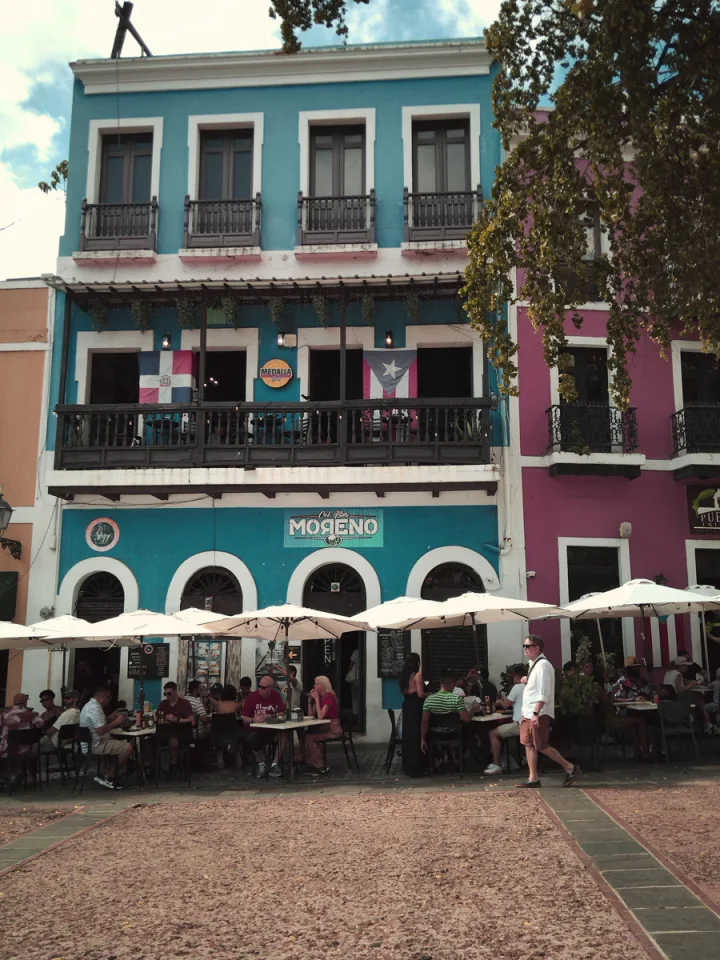
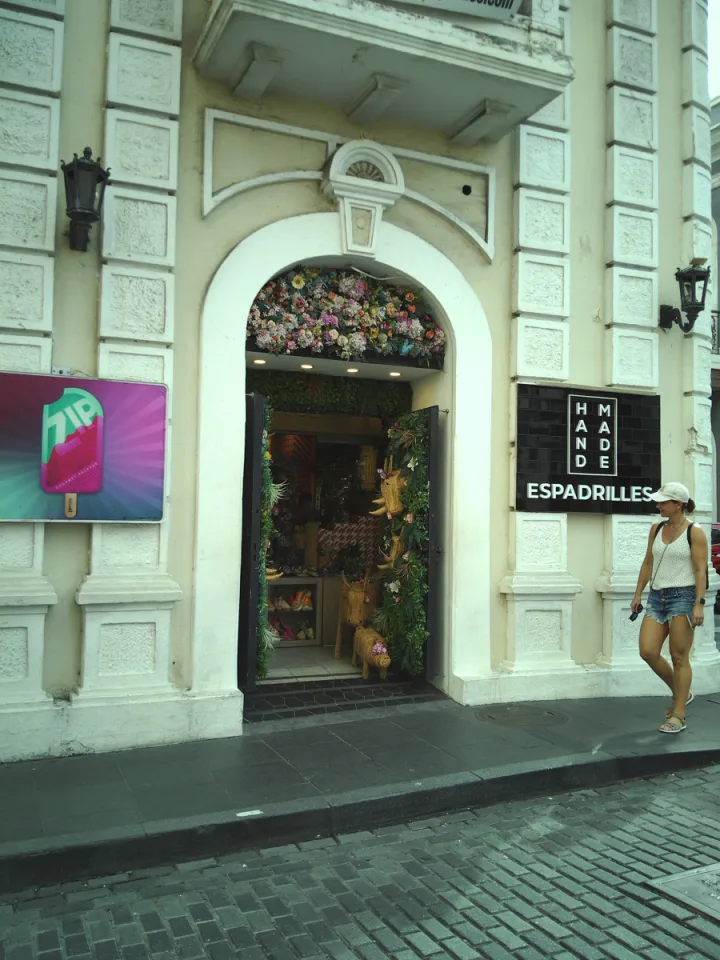
The Portal is easy to shoot with, and it takes away the habit of checking every frame. You don’t stop on a corner to review the last shot, zoom in to check focus and take it again three times. You see something, shoot it and move on. [JOE: add one specific shot here, a street, doorway, view or moment you remember framing.]
It felt like carrying a disposable camera again. All morning I had no idea how anything came out, and some of the fun was waiting to get back to my stateroom, plug it in and “develop” the roll. Without a screen, I spent the morning looking at San Juan instead of at a camera.
Why Digital Beats a Real Disposable
The Portal keeps the not-knowing and drops the wait. Once I connected it to my laptop over USB-C, every photo was there in seconds. With an actual disposable, I’d be carrying that roll home and waiting days or weeks for a lab to process it.
The math works out too. A disposable plus developing costs about $40 for 27 frames these days, so the Portal pays for itself around the fifth roll. After that, every shot is free.
Taking the Portal Around Resilient Lady
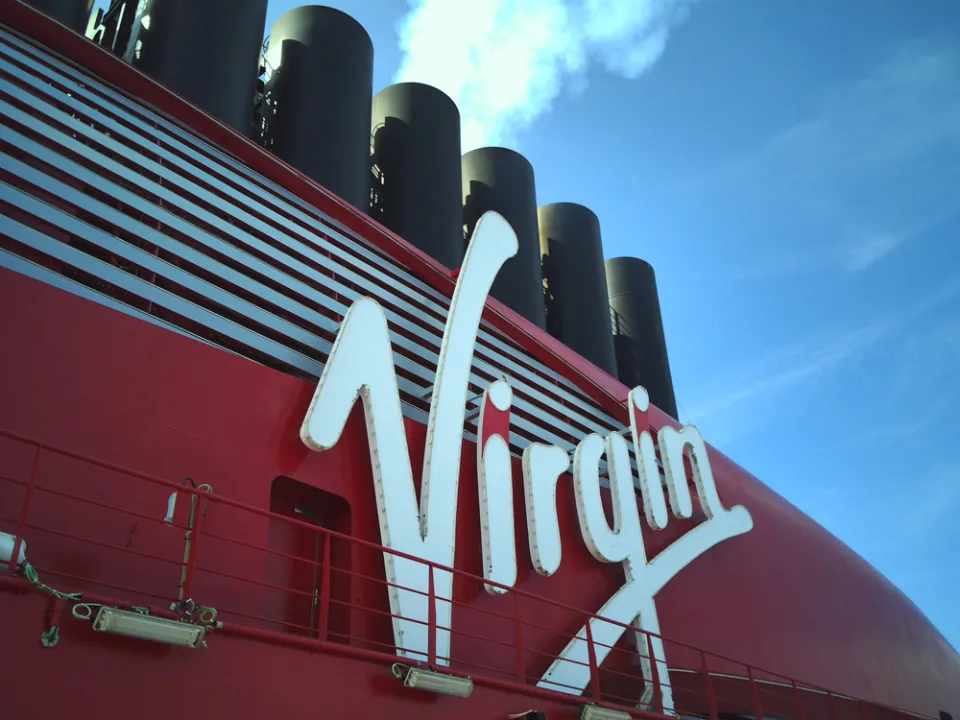
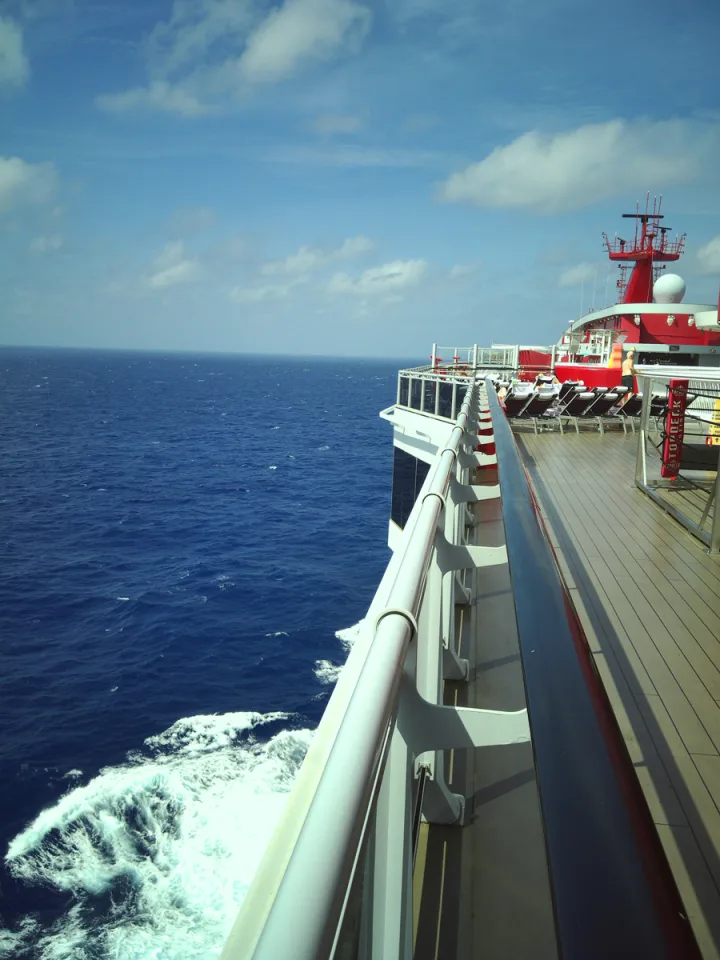
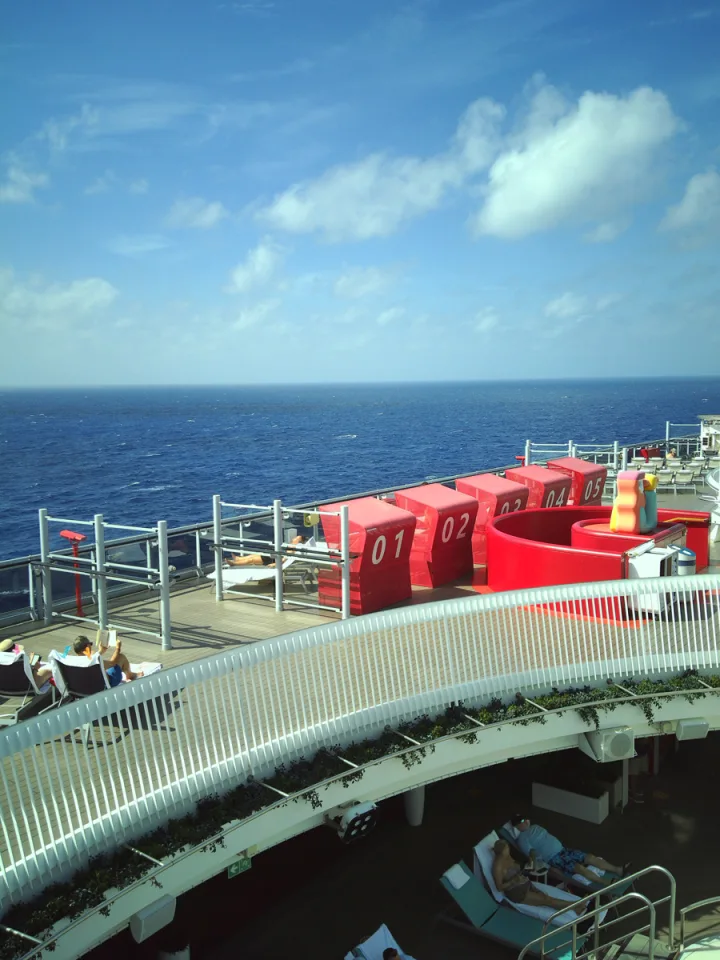
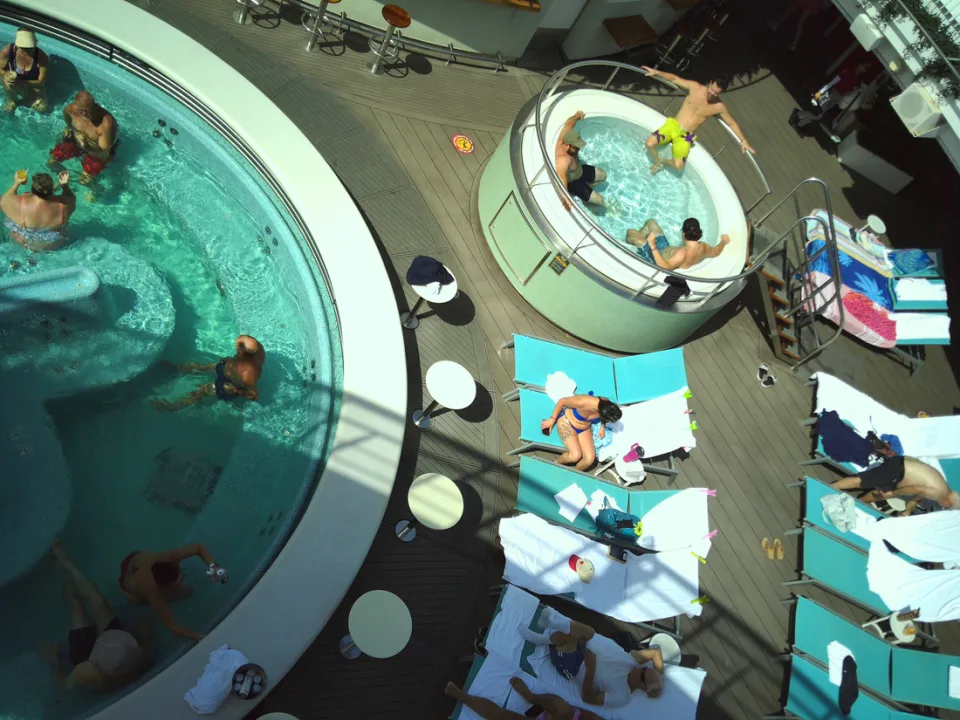
After San Juan, I took the Portal around Resilient Lady and snapped shots around the ship. The results were great. It works particularly well in the bright sun. I left the Sony and the Fuji in the room that day on purpose.
What sold me was that I could throw the Portal in my beach bag or pocket and stop thinking about it. If it hits the deck, the rubber armor takes the hit. If my $1,600 X100VI hits the deck, my day is ruined. The IP56 rating covers rain and splashes, but the Portal isn’t built to go underwater, so don’t take it in the pool.
How the Portal AFN7 Compares to the X100VI and A7 IV
Honestly, it doesn’t compete with them, and it isn’t trying to. The Portal costs less than an eighth of what an X100VI does, and it uses a 1/3.06-inch sensor, which is smaller than the main sensor in most current flagship phones. The lens is fixed-focus, which means you can’t pick out a subject against a blurred background. There’s also no image stabilization, so handheld 4K video will show every step you take.
What you get in return is a camera you’ll actually carry on the days the expensive gear stays home. For me, that’s beach days, pool decks and any port where I’m on foot for hours.
Who the Portal AFN7 Is For, and Who Should Skip It
Buy it if you cruise or travel often, you want photos from beach and port days without risking a pricey camera, and you like the idea of staying in the moment instead of reviewing shots. It’s also a clear pick for anyone who already owns Nocs optics and wants to shoot through them.
Skip it if you need to see a shot to trust it, shoot a lot in low light or want smooth handheld video. Your phone will beat it on all three.
If you’ve got a sailing coming up with a beach day on the schedule, this is the camera I’d put in the bag before the expensive one.
Questions People Ask About the Nocs Portal AFN7
Can the Nocs Portal AFN7 get wet?
Yes, within limits. The IP56 rating means it’s protected against dust and strong water jets, so rain, sea spray and a splash at the pool bar won’t hurt it. It isn’t rated for submersion, though, so keep it out of the water itself. Snorkeling and underwater shots call for a dedicated waterproof camera or housing.
How do you see your photos on a camera with no screen?
You plug it in. The Portal connects over USB-C to a computer or phone, and you can browse and transfer the photos and 4K clips from there. It also uses a microSD card, and a 4GB card comes in the box. That’s enough to get started, but I’d buy a bigger card before a long trip if you plan to shoot much video.
Does the NocDoc work with binoculars from other brands?
The NocDoc is designed around Nocs binoculars and monoculars, but its stepped, beveled shape lets it seat against a range of other optics too. Fit will vary by eyepiece size, so test it with your own pair before you count on it for a wildlife trip.
Do you like cruise and travel content? Make sure you are following both my Instagram accounts: @JoesDaily & @AllAboardWithJoe.