


5 minute read
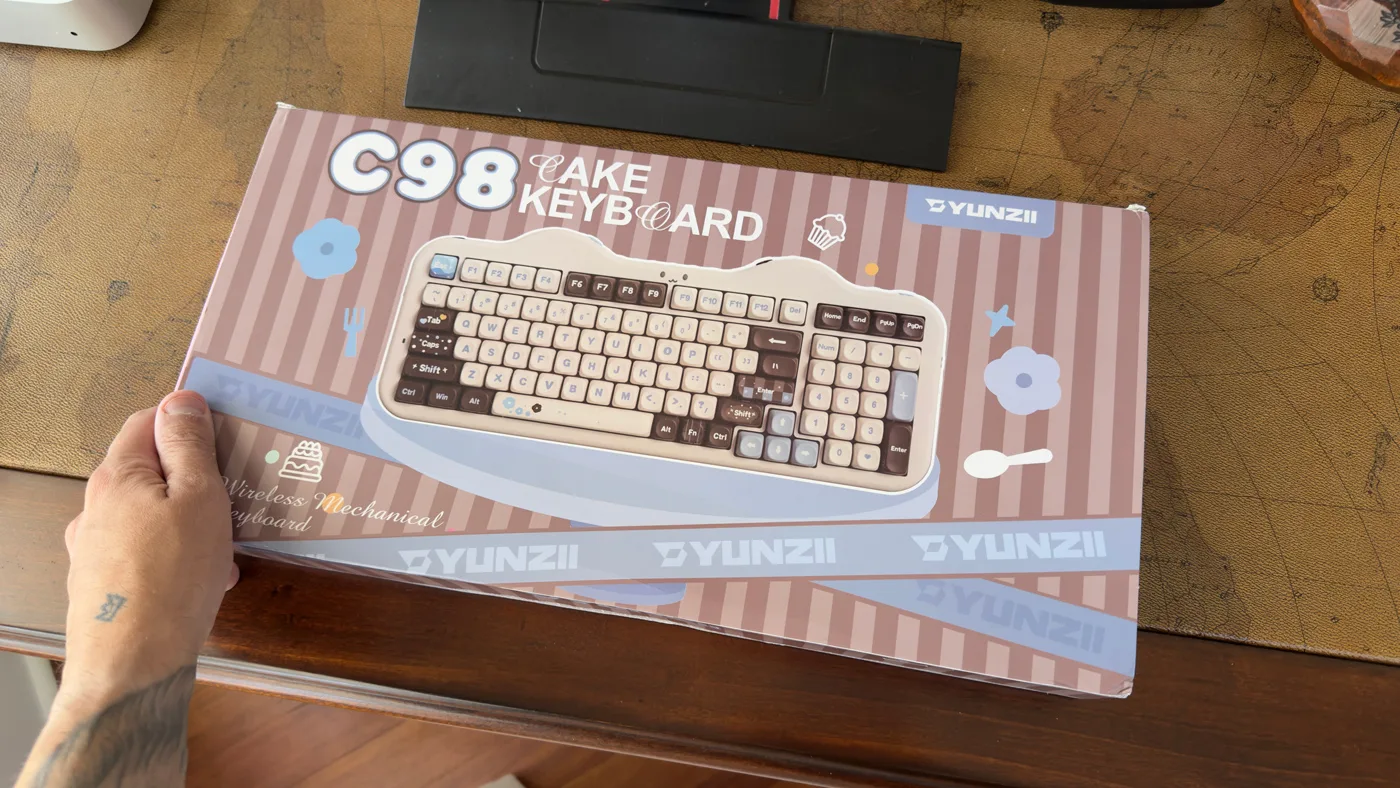
The battery inside this keyboard is larger than the power bank I carry on cruises. Ten thousand milliamp hours, sitting under a cake-shaped plastic case with a cat face blinking at me from the top right corner. I keep coming back to that number because it tells you almost everything about how Yunzii thinks. Nobody asked for a keyboard that could outlast a transatlantic crossing. They built one anyway.
The C98 is the bigger sibling to Yunzii’s C75, and it keeps the same visual gag: a scalloped top edge meant to read as frosting, translucent silicone “icing” wrapping the sides, paw-shaped rubber feet, and a tail-shaped garage underneath that holds the cable and the dongle. The dongle, for the record, is shaped like a fish. I’ve reviewed a lot of gear that takes itself seriously. This one does not, and I’ve found that weirdly refreshing on a desk that otherwise looks like a video editing bay.
A 96% layout with a few opinions of its own
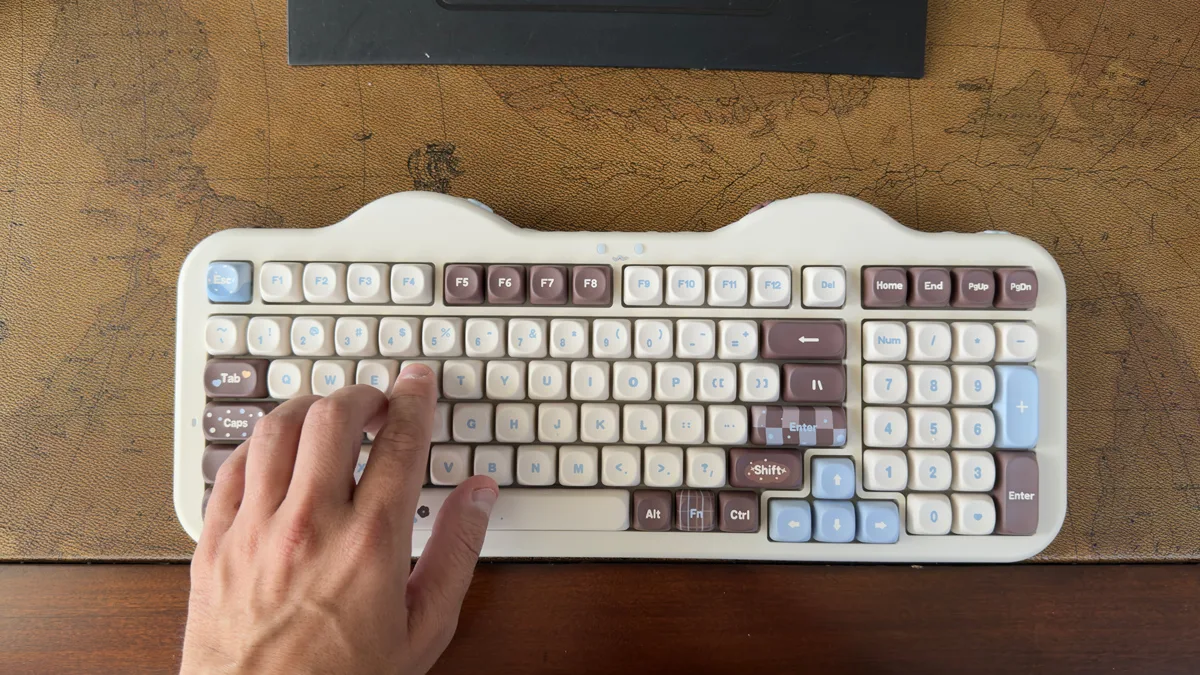
Ninety-nine keys, ANSI, full numpad, everything shoved together tight enough that it takes up less desk than a standard full-size board while still giving you a number row you can actually use for spreadsheets and invoices. Dimensions run about 405.7 by 167.6 by 44mm, and it weighs roughly 1.33kg, which is close to three pounds. That’s heavy for this footprint and you feel it the first time you pick it up.
Two layout choices are going to divide people. The Delete key sits unusually high and separated from the arrow cluster, and there is no dedicated Print Screen key at all. If you live in a browser and a text editor, you may never notice. If your workflow involves grabbing screenshots forty times a day, which mine does, you’re going to be remapping something in the first hour.
The board is hot-swappable across the whole layout and takes both 3-pin and 5-pin switches, so if you don’t get along with what’s in the box you’re not stuck. Keycaps are dye-sublimated PBT in MOA profile, which is the taller, more sculpted option, and they’ve held up to grease and shine so far. NKRO is supported. The case itself is plastic and fully clipped together, so this isn’t a board built for tape mods and foam experiments. What you buy is what you keep.
How it types
Gasket mount, silicone dampening, multiple foam layers. On paper that’s the recipe every enthusiast board has been chasing for five years, showing up here at a price that suggests Yunzii is buying these components by the container.
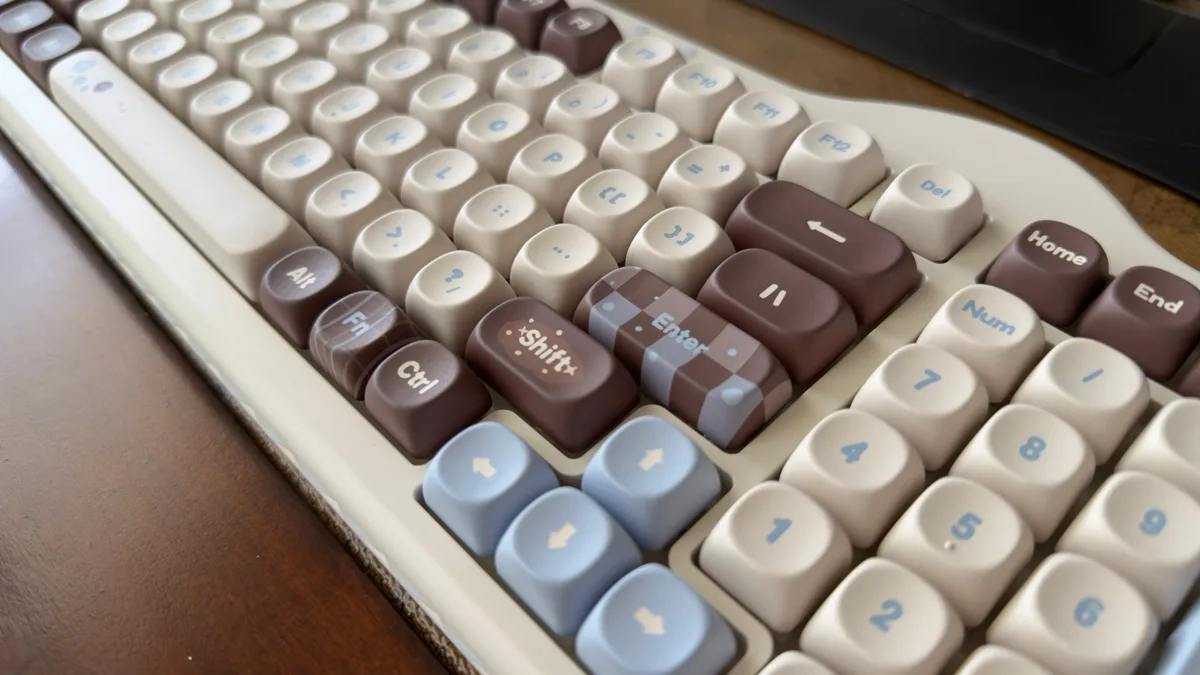
You pick between YUNZII Milk V2 Linear and YUNZII Candy Linear at checkout, both factory lubed. Both are linears, so if you want tactility you’re buying switches separately, which loops back to the hot-swap sockets being the most useful spec on the sheet.
Want to hear a little keyboard ASMR, and see how the YUNZII C98 sounds? Watch my YouTube short.
The battery is the actual headline
Tri-mode connectivity covers Bluetooth 5.0, 2.4GHz over the fish dongle, and wired USB-C, with a claimed 1000Hz polling rate. That’s standard equipment in 2026. The 10,000mAh cell is not.
Yunzii claims roughly 34 days with the backlight off and about 62 hours with lighting cranked to full. I’ve been running mine with lighting on and haven’t gotten near a recharge yet, which is the point. Most wireless boards I’ve used force a choice between RGB and remembering to plug in. This one mostly removes the decision.
The tradeoff is weight, and it’s the reason I’d never travel with this thing. Three pounds of keyboard is not going into a carry-on that’s already carrying two cameras and a gimbal. This is a desk anchor, and I think that’s the right call for what it is.
Lighting, software, and what actually connects
RGB runs south-facing per-key, plus a 360-degree translucent side-glow ring and a small cat-face indicator that doubles as a low-battery alert. The cat face is the detail people notice on camera, and it’s the one I’ve caught myself glancing at instead of checking a battery meter.
Configuration happens through a web-based driver that runs in the browser on Windows and Mac with nothing to install, handling remaps, macros, and lighting profiles. There’s a native Windows app too, but I haven’t found a reason to open it. Mac users switch modes with FN+S. Officially the board works with PC, Mac, Android, iOS, Switch, Xbox, and PlayStation. It ships in ANSI only, so no Ñ and no Nordic characters, which matters if you type in more than one language.
Who should buy it
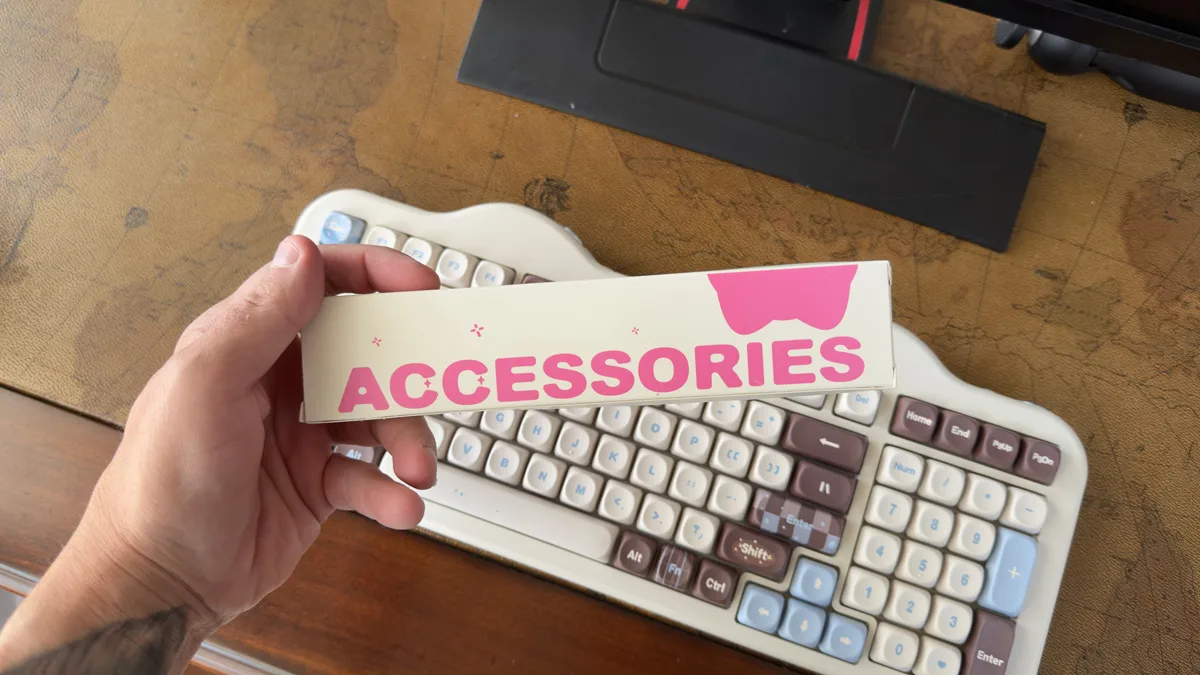
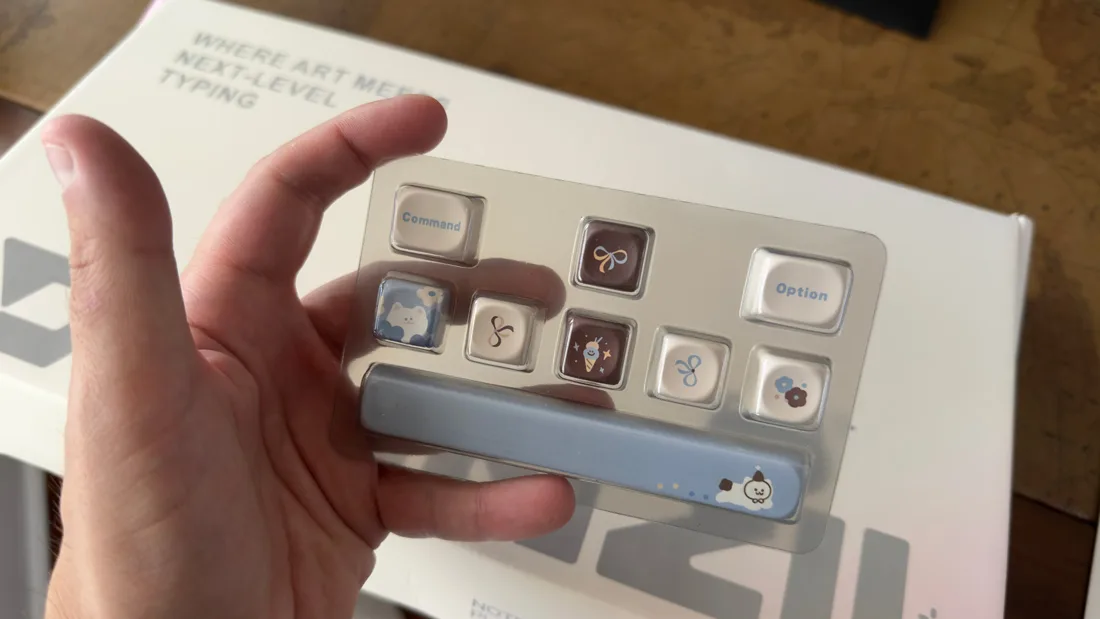
At $119, currently 12 percent off a $134.99 list, this lands in a bracket where you can get a competent gasket-mounted board from a dozen brands. What you can’t easily get is one that arrives with a matching mousepad, a dust cover, spare switches, novelty keycaps, stickers, and a cake-shaped postcard, packaged closer to a gift than a peripheral. Colors run pink, beige, choco, purple, and blue, though some are pre-order only depending on when you look.
If you want a competition board, buy something else. If you want a wireless full-size board that looks like dessert, runs for a month, and lets you swap switches whenever you get bored, this is a strange amount of keyboard for the money. Mine isn’t going anywhere.