Apple announced two MacBook Pros in two days. I have spent the week since going back and forth between them.
I wrote up both machines already, the 14-inch MacBook Pro with M6 and the MacBook Pro with PROLED XDR Display. The more I compare them, the clearer it becomes. There is no single right answer. There is only a right answer for a particular kind of work.
I am a video editor, a photographer, a writer, and a coder. One laptop has to cover all four jobs, mostly on the road. I have not bought either machine yet. I have not tested either one. So this is not a review.
It is the decision process, laid out the way I am actually working through it. It may help if your work looks anything like mine.
The two machines, plainly
Start with what each machine actually is. The names make them sound closer than they are.
The 14-inch MacBook Pro with M6 starts at $1,999. It is the everyday pro laptop. It has a 12-core CPU and 12-core GPU. Memory runs from 16GB up to 32GB. Its Liquid Retina XDR display reaches up to 1600 nits peak HDR. It has a 1,000,000:1 contrast ratio. It has Thunderbolt 4 ports. It supports up to two external displays. Battery lasts up to 24 hours.
The MacBook Pro with PROLED XDR Display is the flagship tier. It comes in 14- and 16-inch models with M5 Pro and M5 Max. Memory goes up to 128GB. Storage goes up to 16TB. Its tandem OLED display reaches up to 2000 nits for both HDR and SDR. It has a 10,000,000:1 contrast ratio. It brings Touch to the Mac for the first time. It has Thunderbolt 5 ports. It supports up to three external displays on M5 Pro. It supports four on M5 Max. Battery lasts up to 24 hours in a thinner, lighter body. The 14-inch weighs 3 pounds.
Prices run from $2,899 for the 14-inch M5 Pro to $4,799 for the 16-inch M5 Max. Both run macOS 27 with Siri AI and Apple Intelligence. Both arrive November 6. The gap between the base models is $900. The whole debate is whether that $900 buys something your work can feel.
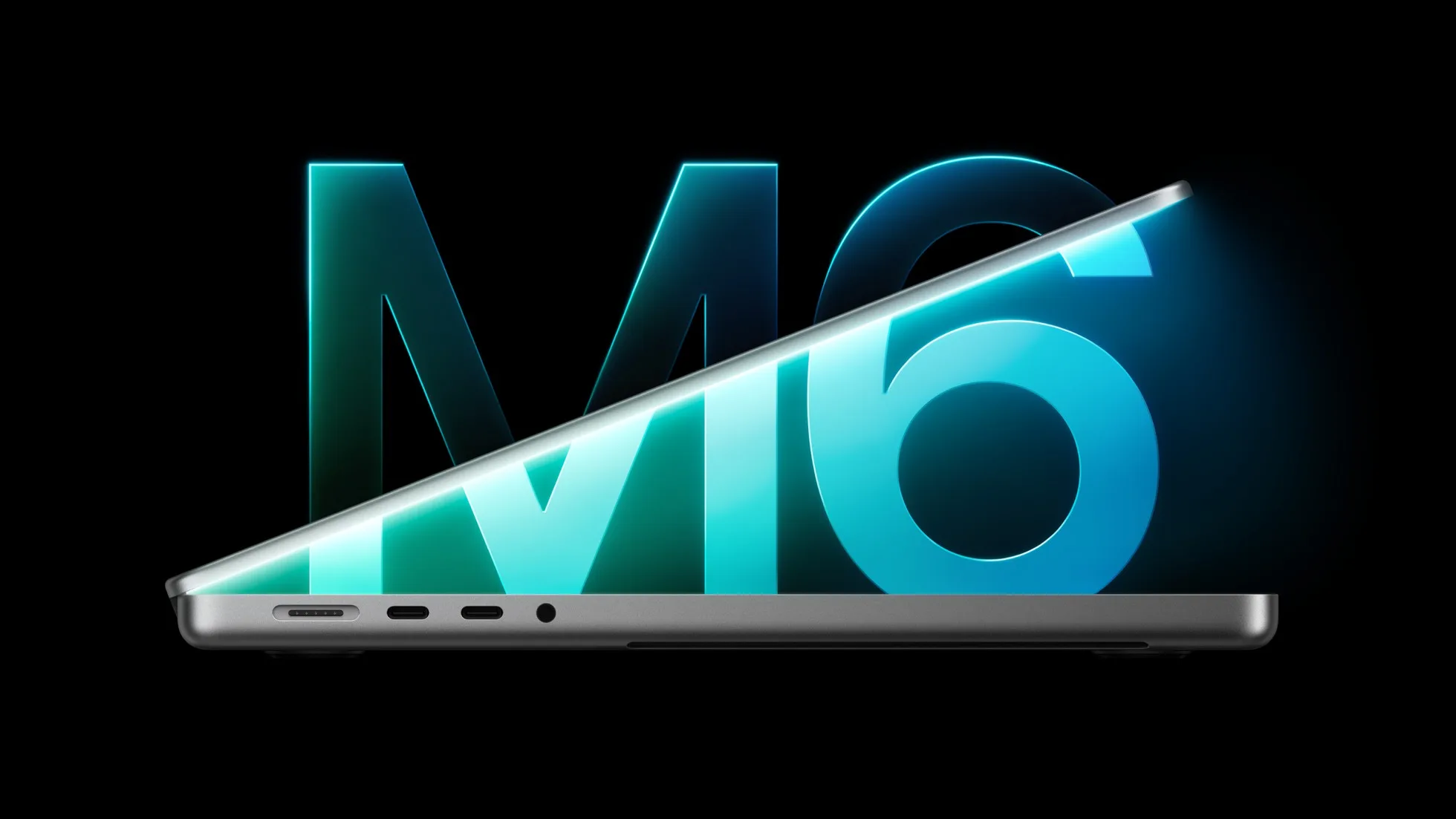
For the video editor in me
Video is where the PROLED machine makes its strongest case. It is the reason I keep coming back to it. I cut travel videos in DaVinci Resolve, usually in 4K, usually away from my desk.
The PROLED display covers P3 and Adobe RGB in a single preset. It has more than 80 percent Rec. 2020 coverage. It has factory calibration and reference modes. That makes it the first MacBook Pro display I could plausibly grade a project on. I would not need an external reference monitor.
When you edit from hotel rooms and airport lounges, that changes the packing list. You carry one less monitor. You make one less compromise on color. Touch is a smaller part of the argument. It is still real for editors. Scrubbing a timeline with a finger is a different kind of fast. Pinching to zoom a cut is also different. Both differ from keyboard shortcuts. Resolve is on Apple’s list of apps taking advantage of Touch.
Where the case weakens, the M6 machine is no slouch for video. Its 12-core chip, 170GB/s of memory bandwidth, and 24-hour battery will cut 4K timelines comfortably. For YouTube and social work, the M6 display is already very good. For a color-critical client, the case is different. The PROLED earns its money when grading decisions happen on the laptop screen itself. It also earns its money for 8K ProRes multi-stream work. Heavy effects can also push you toward M5 Max. For my 4K travel work, the display is the argument, not the chip.

For the photographer in me
Photography splits the same way. It comes down to one question: does your work end up in print? I shoot on a Sony a7 IV. Most of my photos end up on the web. There, P3 coverage and a bright, accurate screen are plenty. The M6 display handles that without breaking a sweat.
But the PROLED display adds Adobe RGB. That is the color space print work lives in. If you deliver files for print, Adobe RGB matters. If you retouch on the laptop, you need to trust what you see. Adobe RGB plus 2000 nits of SDR brightness helps. A 10,000,000:1 contrast ratio also helps. Together, they are a meaningful step up from the M6 screen.
The other photographer argument is practical. The PROLED reaches 2000 nits in normal use. It has an antireflective coating. It also offers a nano-texture option etched into the cover glass. That means culling and editing outdoors, on location, without hunting for shade. I do a lot of that. A photographer who works entirely for screens will not feel the $900 nearly as much. The same holds if you edit at a desk with an external monitor. It also holds if you shoot as a side discipline rather than a main one.
For the writer in me
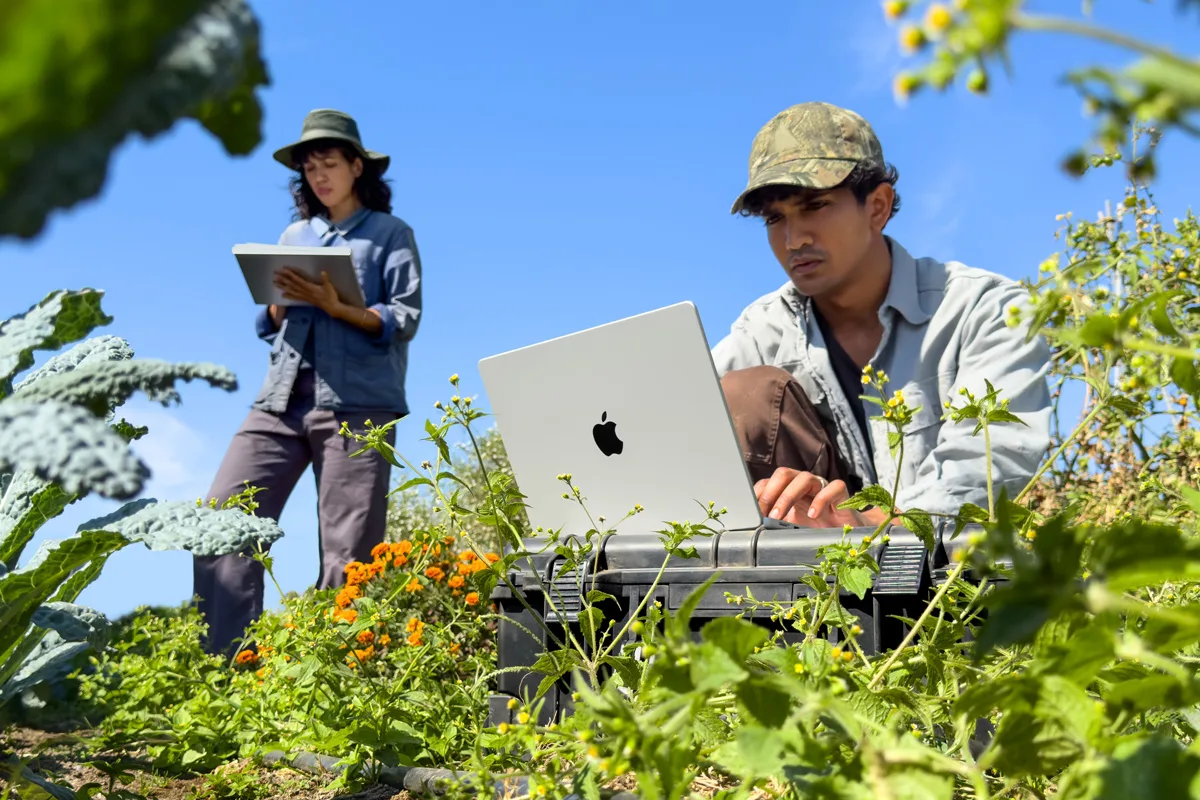
Writing is the discipline that refuses to justify either machine. That is worth saying plainly. Both laptops are far more computer than writing needs. The keyboard, the trackpad, and the screen are what matter for words. Both machines have excellent versions of all three.
What writing does care about is weight, battery, and ports. Writing happens everywhere: planes, cafes, cruise ship cabins, hotel desks. Both machines promise up to 24 hours of battery. That removes battery from the decision entirely. Weight favors the PROLED 14-inch at 3 pounds. It is half a pound lighter than the previous 14-inch design. That half pound matters when the laptop lives in a camera bag all day.
But weight alone does not justify $900. If writing were my only job, I would buy the M6. I would spend the difference on something else. Writing is the tiebreaker that points to portability, not to power.
For the coder in me
Coding is where the memory ceiling enters the picture. It is the quietest reason to step up. The M6 machine tops out at 32GB of unified memory. That is plenty for web development, app development, and most Xcode work. Apple cites up to 2.5 times faster Xcode project builds than M1. It also cites up to 25 percent faster on-device AI workloads than M5.
Both machines also put a Neural Accelerator in each GPU core. That speeds up coding agents and on-device language models. The difference shows up when local models get big. The PROLED machines with M5 Pro and M5 Max go up to 128GB. Apple positions M5 Max for running language models with hundreds of billions of parameters entirely on device.
If your coding involves running serious local models, 32GB starts to feel like a ceiling. You may also keep a dozen heavy tools open at once alongside a video render. Then 32GB is a ceiling you will hit during the machine’s lifetime. If your coding is apps and websites, it never will. I fall somewhere in the middle. My coding benefits from headroom, but it does not demand the Max tier.
The money, honestly
Strip out the specs and the decision is $1,999 against $2,899. The 16-inch PROLED costs $3,399. The Max configurations cost $4,499 to $4,799. Spread over four years of daily use, the M6 costs about $1.37 a day. The 14-inch PROLED costs about $1.99 a day. That is a difference of roughly 62 cents a day.
On Apple’s leasing program the gap is about $17 a month. The figures are $38.99 against $55.99 for 36 months. Framed that way, the $900 stops sounding dramatic. But it is still real money. It only makes sense if the display, Touch, Thunderbolt 5, and higher memory ceiling map to work you actually do.
The 16-inch PROLED at $3,399 buys a bigger canvas and more headroom. It does not buy more battery, since battery is rated the same 24 hours. The Max machines at $4,499 and up are double the M6 price. They only make sense for 8K video, VFX, 3D rendering, or huge on-device AI models. For everyone else they are money spent on headroom you will never touch.
Where I’m landing
Here is where the debate sits for me right now. I am leaning toward the 14-inch PROLED MacBook Pro with M5 Pro at $2,899. The reason is unglamorous. The display is the tool I stare at all day across all four disciplines. It is the one part of the machine that improves every job I do. That includes grading video, retouching photos, and writing in bright rooms.
The lighter 3-pound body helps on the road. Touch is a bonus rather than the reason. The higher memory ceiling gives my coding room to grow. I am not choosing the Max, because my video work is 4K, not 8K. My local models are not that big.
And I want to be clear about who should choose differently. Dock to an external monitor most of the time, and buy the M6 and keep $900. If your budget is the deciding factor, buy the M6 without regret. It is a serious machine at $1,999 with the same battery life and the same macOS 27. If your work is writing and code and web-only photos, buy the M6.
The PROLED is for people whose work happens on the laptop screen itself, in color, on the move. That is my work, which is why it is probably my machine. I have not ordered yet. Independent testing of the display and battery will get a final look before I do. If you are deciding the same way I am, start with one question: does your work happen on the laptop screen, or on a desk monitor? That answer picks the machine.
Full write-ups of both machines are on JoesDaily: the M6 MacBook Pro and the PROLED MacBook Pro. Specs and configure-to-order options are on Apple’s MacBook Pro page.
Questions People Ask About Choosing Between the M6 and PROLED MacBook Pro
Is Touch a reason to buy the PROLED MacBook Pro?
No, not on its own. Touch is genuinely useful for scrubbing timelines, drawing on a canvas, and playing onscreen instruments. But it does not justify $900 by itself. The display is the reason to step up. Treat Touch as the bonus that makes an already better screen more fun to use. Do not treat it as the headline of the purchase.
Can the M6 MacBook Pro handle 4K video editing?
Yes, comfortably. Its 12-core chip, 170GB/s memory bandwidth, and up to 32GB of memory are built for 4K timelines. That includes DaVinci Resolve and Final Cut Pro, with 24-hour battery to cut on the road. It only starts to strain at 8K multi-stream work, heavy effects, or long renders. That is where the M5 Pro and M5 Max configurations earn their prices.
Should I wait for reviews before buying?
If your current machine still works, yes, wait for independent testing of the display and battery. Wait before spending $2,899 or more. Both machines arrive November 6 and the headline specs are known. But real-world battery and color accuracy numbers are worth a week. If you are on an Intel machine or an M1 and need a machine now, either choice is a generational jump. So buy on your workload, not on launch-day excitement.


