My request for an Insta360 X6 review unit has been sitting in a queue since August, when Insta360 told me the initial run of media samples had already sold out. So no, I haven’t put my hands on the camera. What I have done is shoot years of travel footage through an X4 and then an X5, and today’s announcement is the kind of update that makes the wait worse.
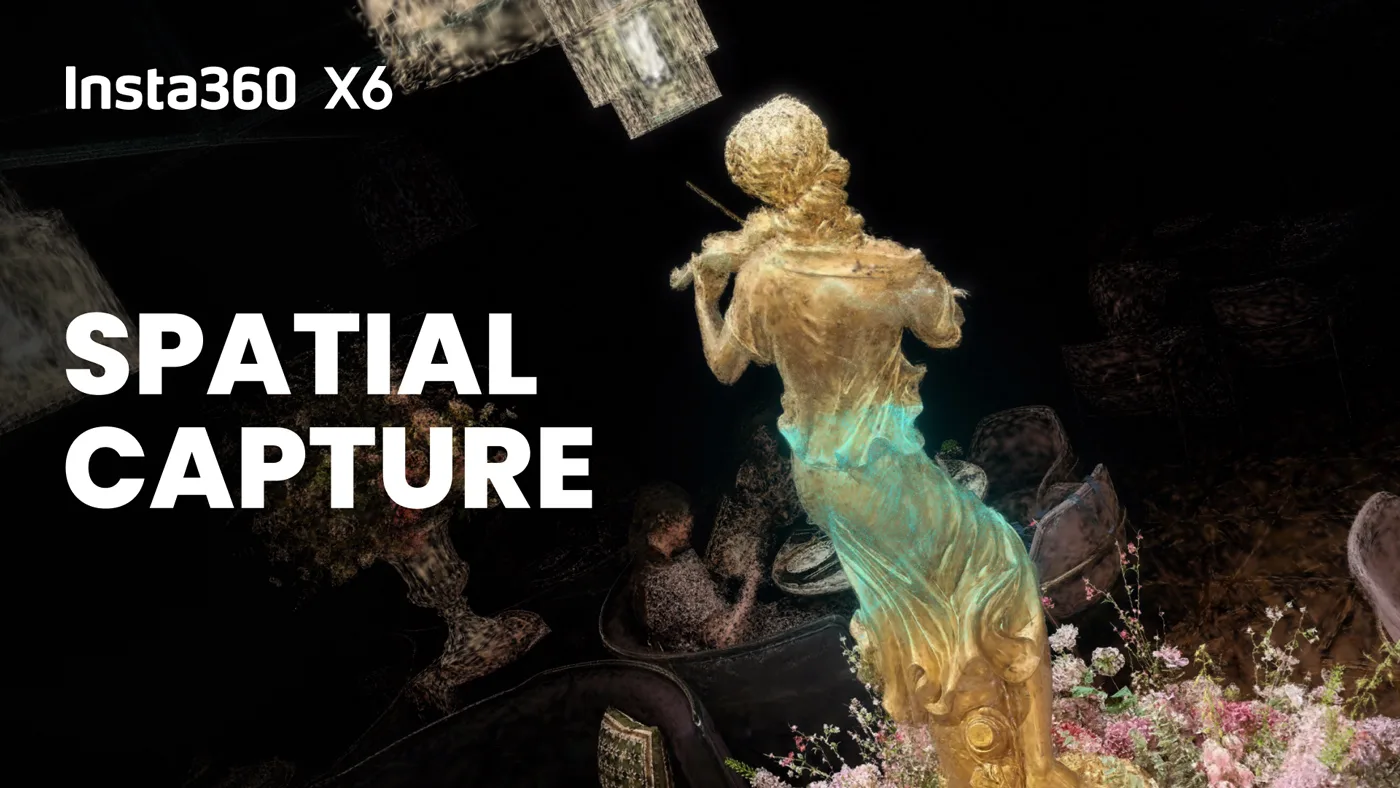
Insta360 just unveiled Spatial Capture, a new feature for the X6 that turns a 360 video into an explorable 3D scene. Instead of a flat clip, you get something you can pan through on a screen, drifting past a shelf or looking behind a chair, and Insta360 is rolling it out on September 28 for the X6, the X5, and the X4 Air. If you already own one of the last two cameras, this isn’t a reason to upgrade. It’s a free update to gear you probably already have in your bag.
[Subscribe to Joe’s Daily on YouTube]
What Spatial Capture actually does
The underlying tech is 3D Gaussian Splatting, which has been floating around the reality-capture world for a couple of years through apps like Polycam and Scaniverse. Those apps ask you to walk a slow, deliberate loop around a subject, taking dozens of photos or a careful scanning pass, because a phone camera only sees in one direction. An Insta360 camera already sees every direction at once. Spatial Capture skips the scanning choreography entirely: you record up to two minutes of normal 360 video, upload it in the Insta360 app, and let the cloud do the rest. Processing runs one to two hours, and you get a notification when it’s ready. Four scenes a month are free.
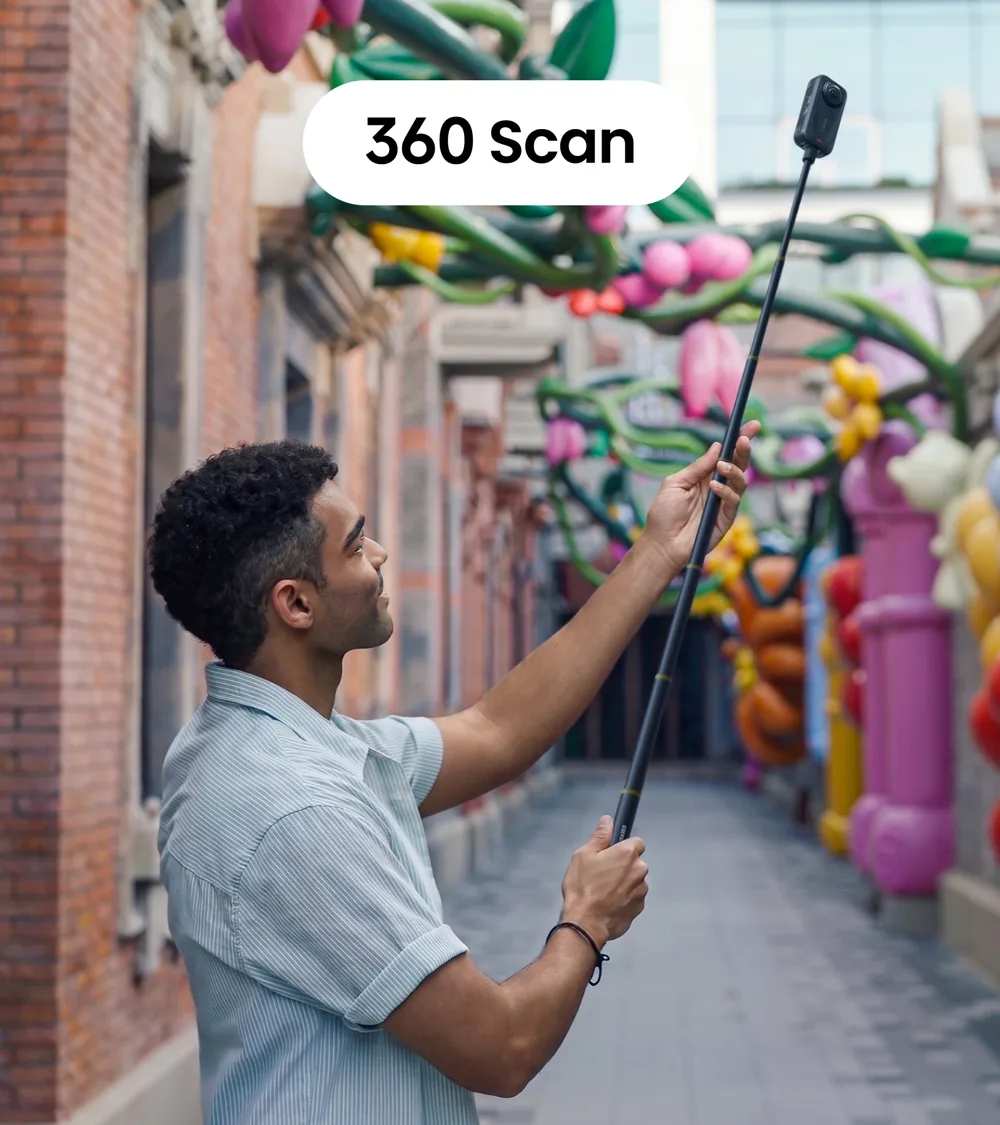
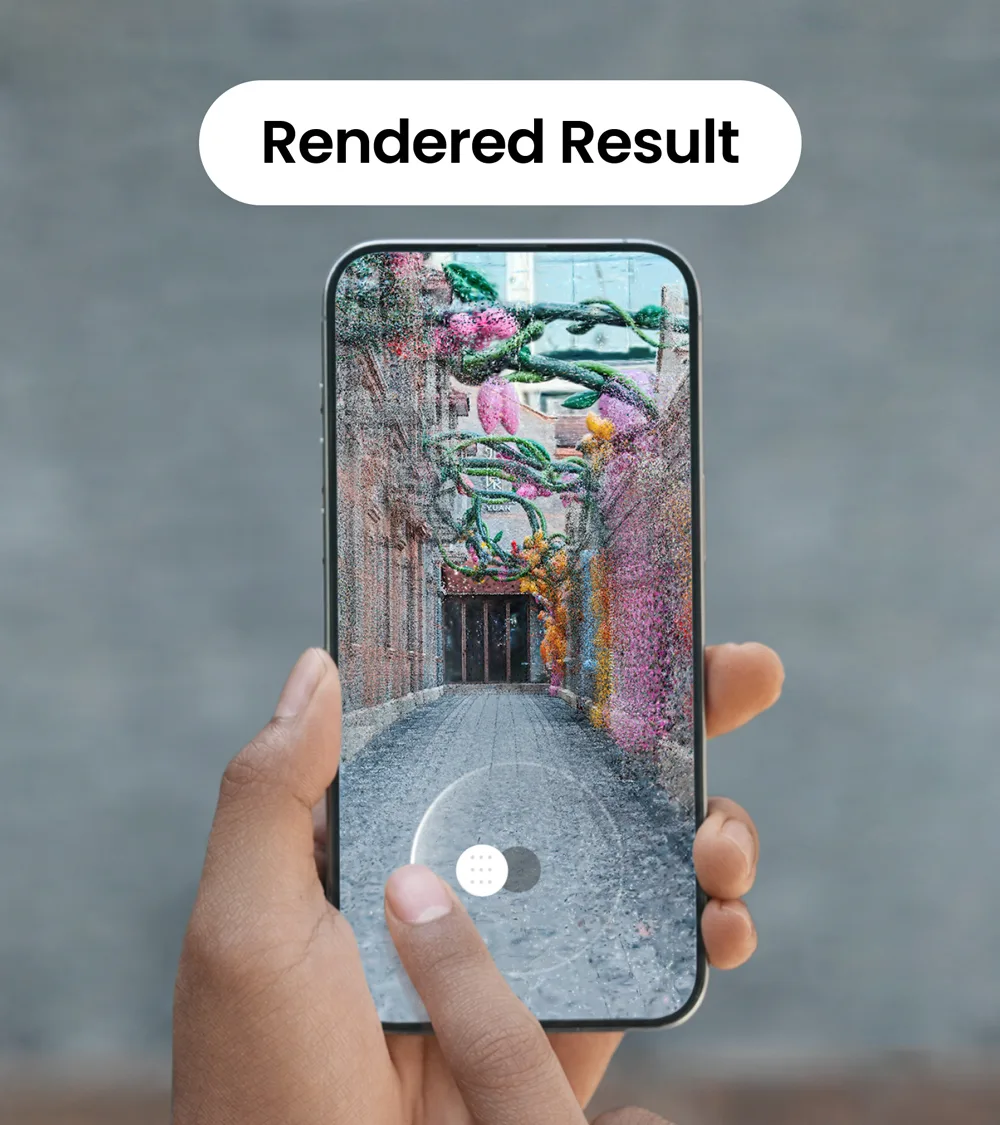
That’s the real difference worth naming. A Polycam or Scaniverse scan is only as good as how carefully you walked the loop. A 360 camera removes the choreography by design, since it was already capturing the whole room the moment you hit record.
Why this matters more for the X5 crowd than the X6 crowd
The X6 launched last month at $699.99, a $150 jump over the X5‘s $549. That’s real money for anyone deciding whether to upgrade. But Spatial Capture landing on the X5 and X4 Air as a software update means Insta360 isn’t gating this behind the new hardware. If you’ve got an X5 collecting footage of cruise cabins or hotel rooms, you’ll have this feature in two weeks without spending a dollar. The X6’s advantage here is the dual 1-inch sensors doing the actual capturing, not the software.
Once the scene is built, you can move through it with touch controls or the phone’s gyroscope, add camera paths, and export it as a video or a shareable link that opens in a browser, no app required. That last part is the piece I’m most curious about testing: sending a link to a hotel’s marketing team or a charter captain instead of a folder of stills.
I’ll say the honest part out loud. I haven’t run this myself yet, and until an X6 or an updated X5 is actually in my hands, I can’t tell you how a Spatial Capture scene compares to what I’d get scanning the same room in Polycam. The moment my unit shows up, or the update hits my X5, I’m testing it against a real cabin walkthrough and reporting back with actual results instead of a press release rewrite.
For now, mark September 28 on your calendar if you’re already shooting X5 or X4 Air, and if you’re near Times Square, Insta360’s first North American flagship store opens September 19 at 1515 Broadway with X6 units on the floor to try Spatial Capture in person before you buy anything.
Questions People Ask About Insta360 Spatial Capture
Do I need to buy the X6 to use Spatial Capture?
No. It ships September 28 on the X6, X5, and X4 Air as a software update. If you already own an X5 or X4 Air, you get the feature without buying new hardware.
How long does it take to turn a video into a 3D scene?
Processing happens in Insta360’s cloud and typically takes one to two hours. You can close the app while it processes and get a notification when the scene is ready.
How many 3D scenes can I create for free?
Insta360 includes four free 3DGS scene generations per month. Beyond that, additional scenes likely require a paid tier, though Insta360 hasn’t published pricing for extra generations.
Can someone view my 3D scene without downloading an app?
Yes. You can export the finished scene as a video or generate a shareable link that opens directly in a browser, so the person you send it to doesn’t need the Insta360 app or any file.


